









FACILITIES MANAGEMENT & CAFM

Prove every clean, patrol and repair, before your client has to ask

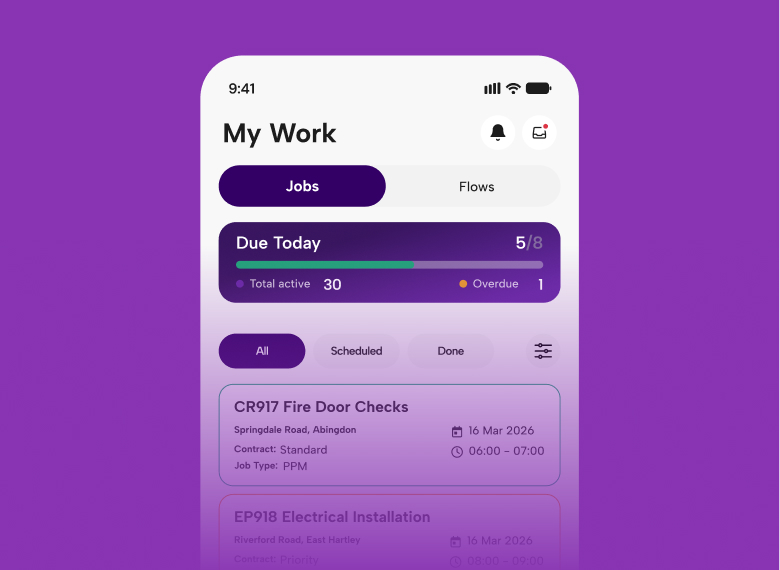
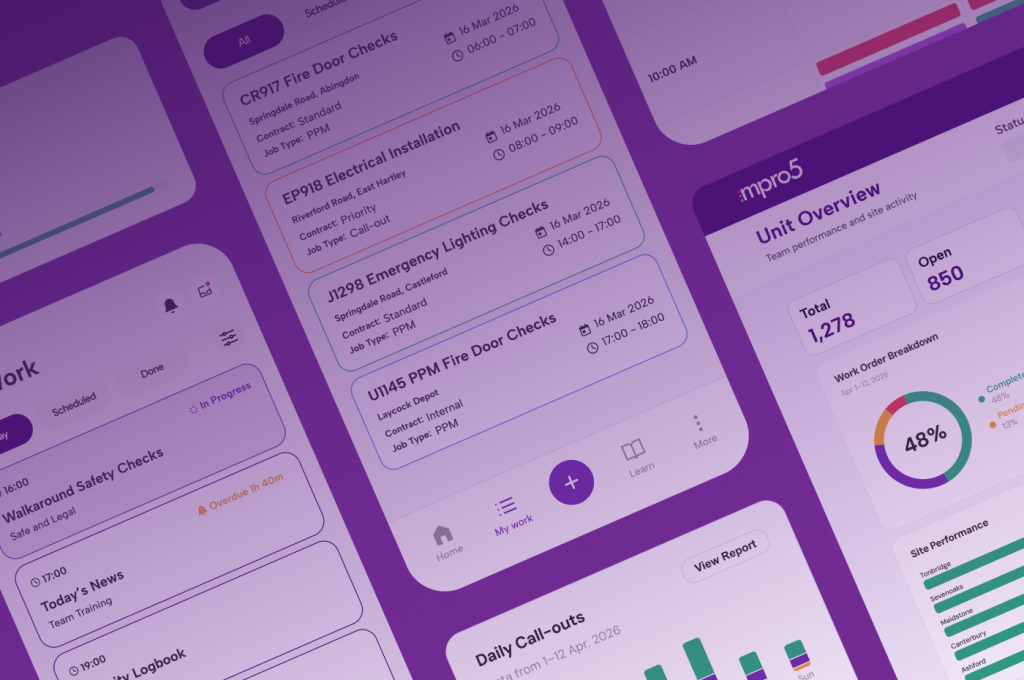
mpro5 is a mobile platform that checks, fixes and proves every clean, patrol, inspection and repair across every site you manage, with CAFM built in.

Photos, timestamps and QR or NFC tag scans are captured as the work happens, so the evidence is ready the moment a client, auditor or contract manager asks for it.

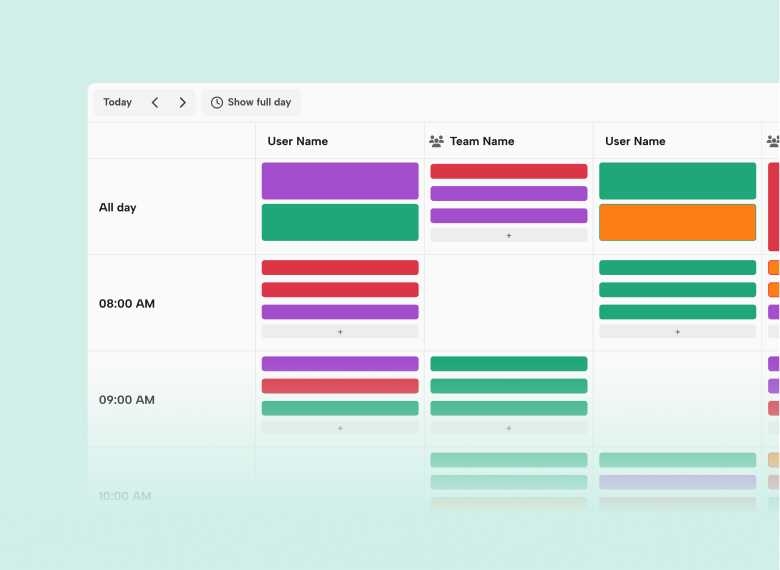
Can you see every open job, check and contractor across your estate in one place?

Proven at scale

96%

faster contractor payments

89%

faster compliance reporting

110

NHS buildings live in four weeks

Know exactly where your compliance stands today, and how much tool sprawl is costing you.

The bigger cost is the time between systems: re-typing results, chasing follow-ups, building reports by hand and training people on every tool. Nobody budgets for it.
Work out your time cost

3,467hours a year
2.1full-time roles
£55,467a year in time

Example figures: change them to match your estate. “Minutes lost” means time spent re-typing, chasing and reporting across systems. Assumes 5 working days a week, 52 weeks a year and 1,650 hours per full-time role.

Win and retain contracts with better data

Clients and contract managers ask for evidence, not reassurance. mpro5 turns the records your teams capture on site into client-facing SLA and compliance reports, so the proof is ready before anyone asks, and ready to win the next contract.

  • Live SLA performance and completion scores by site, contract or client, so you can spot a slipping contract before your client does.
  • A full audit trail of every task, photo and sign-off, searchable by site, contract or date, ready for a contract review or a dispute.
  • Evidence that wins tenders. Time-stamped completion data gives you real performance figures to put in your bid, instead of promises.

CAFM, maintenance and contractors in one place

mpro5 is a CAFM system. PPM, reactive jobs, helpdesk requests, assets and contractors sit in the same app as your cleaning and compliance checks.

  • Jobs reported on site go straight to the right engineer or contractor, with no phone calls or WhatsApp messages.
  • Contractors are held to the same evidence standard as your own teams.

How can one app replace five separate tools?

Most facilities teams we speak to juggle five to seven tools, plus WhatsApp and paper. mpro5 replaces them, CAFM included, with one app, one login and one licence.

  • Photo prompts turn your standards into consistent action.
  • Missed cleans and patrols flagged straight away.
  • Failed checks raise the job, with an owner, a deadline and escalation.
  • Messages with teams and contractors stay inside the task.

“We moved from scheduled cleaning to cleaning based on real usage, which completely changed efficiency.”

– Cisco Meraki Workplace Technology Lead

From frontline delivery to client reporting

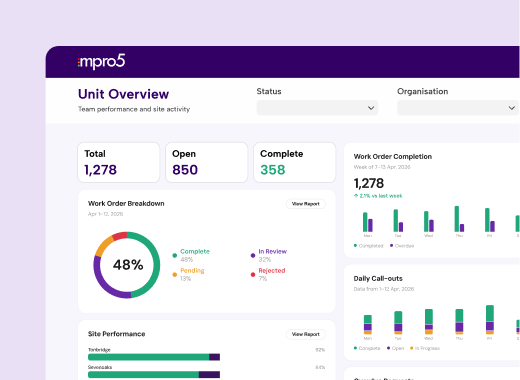
Everything captured on site feeds directly into live dashboards, giving FM teams complete visibility across every service, site and contract.

  • Evidence-based cleaning, security, compliance and maintenance workflows
  • Automatic job creation when inspections or compliance checks fail
  • Real-time performance reporting by site, region, contract or client
  • Time-stamped audit trails to prove service delivery and support SLA compliance

Know which checks were really done

A ticked box doesn’t always mean the job was done. mpro5 looks at how every check was completed, not just whether it was, and flags the ones that don’t look right, so you can see which sites to trust and which need a closer look.

  • Rushed checks. A check finished far faster than it could realistically be done gets flagged, so you can spot teams ticking through instead of checking.
  • Too many N/As. When a site marks the same question “not applicable” again and again, mpro5 picks it up before it hides a real gap.
  • Missing photo evidence. Checks that need a photo but don’t have one are flagged straight away, not found at the next audit.
  • Copy-and-paste answers. Identical answers across every question and every day are a sign checks are being filled in, not carried out.

We build it for you, free. Your forms, your sites, live in weeks.

Helping facilities teams run smarter operations every day

Fire Safety

  • Equipment & Building Checks
  • Fire Protection System Inspections
  • Sprinkler & Hose Inspections
  • Smoke Vents (AOV/MOV) Inspection

Security

  • Security Patrols & Audits
  • Approved Contractor Scheme (ACS) Audit
  • Evacuation & Emergency Procedures

Cleaning

  • Cleaning Audits & Checklists
  • Disinfection & Sanitisation
  • Deep Clean Checklists
  • Waste & Sharps Handling
  • Turnaround Cleaning Records

Safety &
Risk Management

  • Risk Assessments
  • Pest & Pesticide Control
  • Incident & Near-miss Reporting
  • Permit to Work Management
  • Health & Safety Audits

Maintenance &
Engineering

  • Gas & Heating Audits
  • Electrical (PAT) and Equipment checks
  • Asset Maintenance
  • Buildings & Environmental Maintenance

Service Delivery

  • Service Delivery Audits
  • Visual Evidence Collection
  • Client Experience & Approval Management
  • Contractor Management

And many more…

FAQs

Facilities Management FAQs

Answers to the questions FM providers and in-house facilities teams ask us most. If yours isn’t here, ask us on a demo.

Book a demo

Or call us on 01892 542 444

What is facilities management software?

Facilities management software schedules, records and reports the work that keeps buildings clean, safe and compliant, from cleaning and security patrols to statutory checks and maintenance. mpro5 does this across every site in one app, with time-stamped, photo-backed evidence for each task.

How can cleaning companies prove their cleaners visited a site?

Cleaners scan a QR code or NFC tag at the point of work and complete the checklist with photos and a signature. Each record is time-stamped and tied to the site, and clients can see it on their own dashboard.

What’s the best way to replace paper cleaning sign-off sheets?

Move the sign-off onto a phone or tablet, with a scan at the point of work, so the record is created when the clean is done rather than filled in afterwards. Missed cleans are then flagged the same day instead of found at audit.

How do multisite businesses manage compliance checks across locations?

They schedule the same checks at every site in one app, flag misses as they happen, and turn each failure into a task with an owner and a deadline. mpro5 does this for retail, hospitality, leisure, transport and estates teams, with a live dashboard by site or region.

How can head office see what’s happening across hundreds of sites?

Every check, job and audit completed in mpro5 feeds a live dashboard that can be filtered by site, region or area manager. Missed or failed checks show up as they happen, not at the next visit.

Is mpro5 a CAFM system?

mpro5 includes CAFM features: planned preventative maintenance, reactive jobs, helpdesk, assets and contractor management. Unlike most CAFM systems, it also runs cleaning, compliance checks, training and team messages in the same app.

Who sets mpro5 up?

Our team does. mpro5 is delivered as Software with a Service: we configure it around how your sites already work before go-live, with no setup fee, and a dedicated Customer Success Manager stays with your account.

Does mpro5 work without signal or company devices?

Yes. mpro5 works offline and runs on any phone or tablet, and records sync when the device reconnects.

Can you see every open job, check and contractor across your estate in one place?

Book a demo