

Communications
Every conversation, exactly where it belongs
FAQs
Communications FAQs
Answers to the questions teams ask us most about moving work out of group chats. If yours isn’t here, ask us on a demo.
Book a demoOr call us on 01892 542 444
Why move work conversations out of WhatsApp and group chats?
Group chats mix work with everything else. Important updates get buried, you can’t tell who has read them, and nothing is linked to the job it’s about. In mpro5, every message sits with the job it belongs to, with read receipts and a full record of what was said.
Is mpro5 an alternative to WhatsApp for frontline teams?
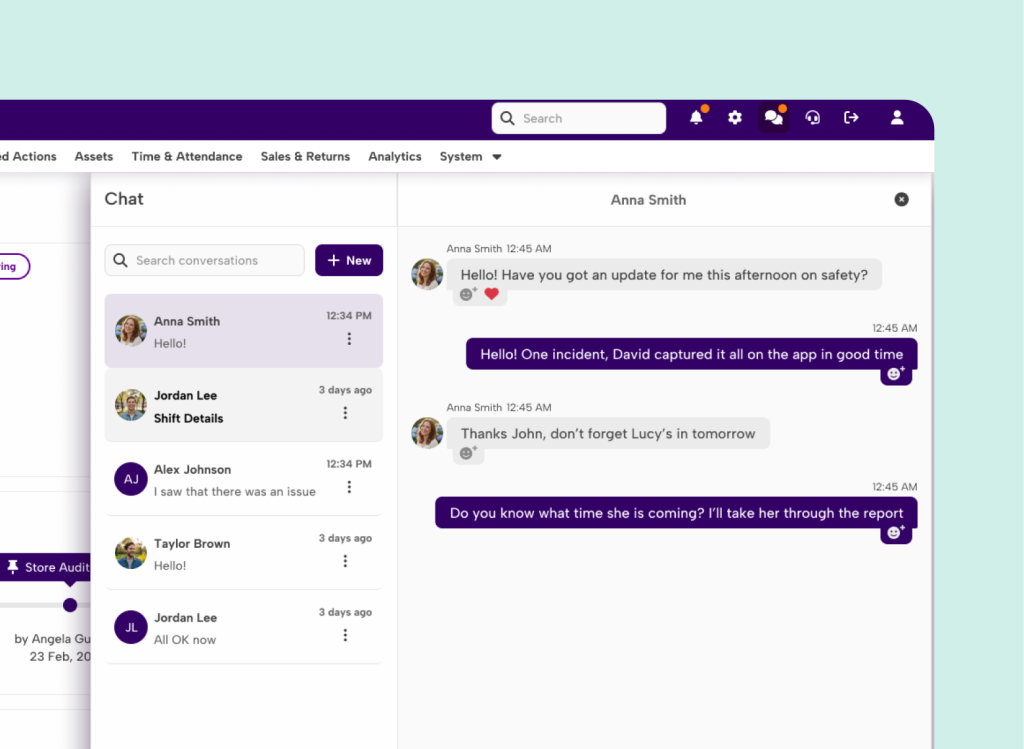
Yes. Messaging in mpro5 feels just like your favourite messaging app, with direct messages, images and emoji reactions. The difference is that it’s secure, every message is stored, and it’s in the same app your teams already use for their work.
Why have messaging in the same app as tasks and checks?
Because the conversation and the work belong together. mpro5 brings tasks, compliance, maintenance, learning and communications into one connected app, so teams don’t have to switch between a chat app, email and separate systems. A message about a failed check sits on the check itself.
How do I know my message has been read?
Read receipts show who has seen each notification, and response tracking shows who has replied, so you’re never left wondering whether it landed.
Can I message a whole site or team at once?
Yes. Send messages to individuals, teams or entire locations, and use posts for announcements and updates that everyone needs to see.
Can teams discuss a specific job?
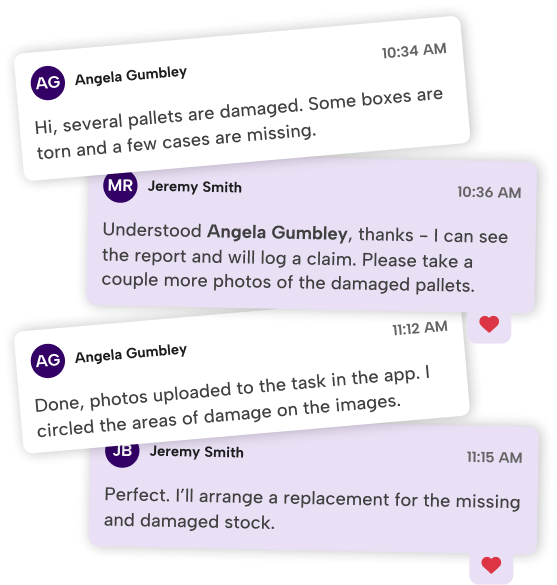
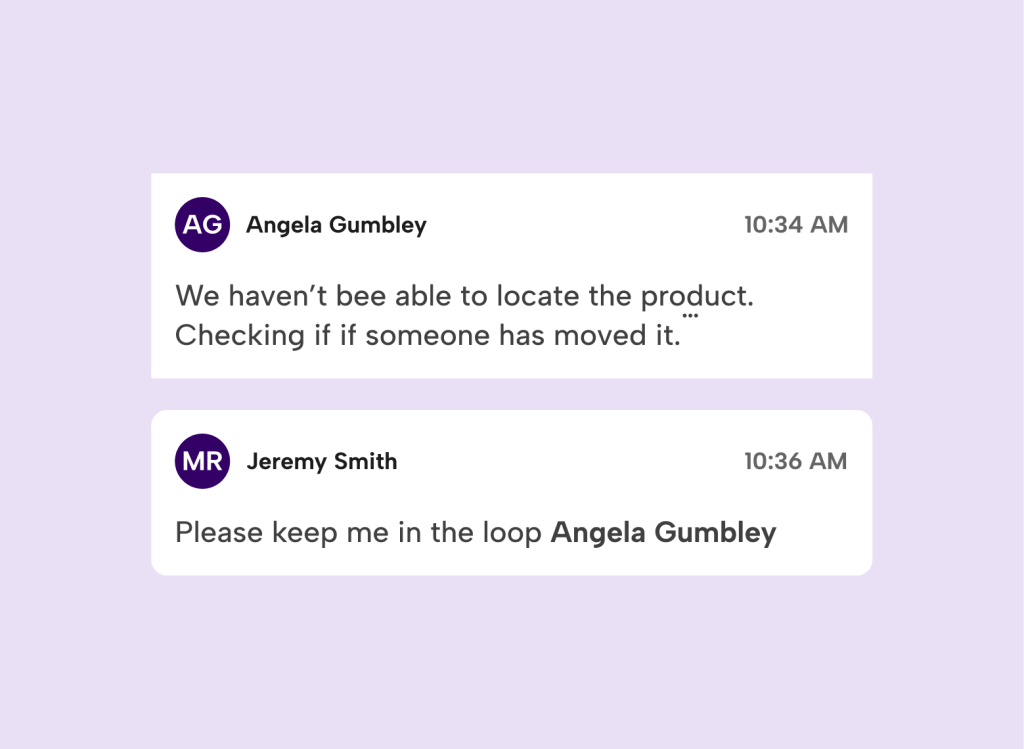
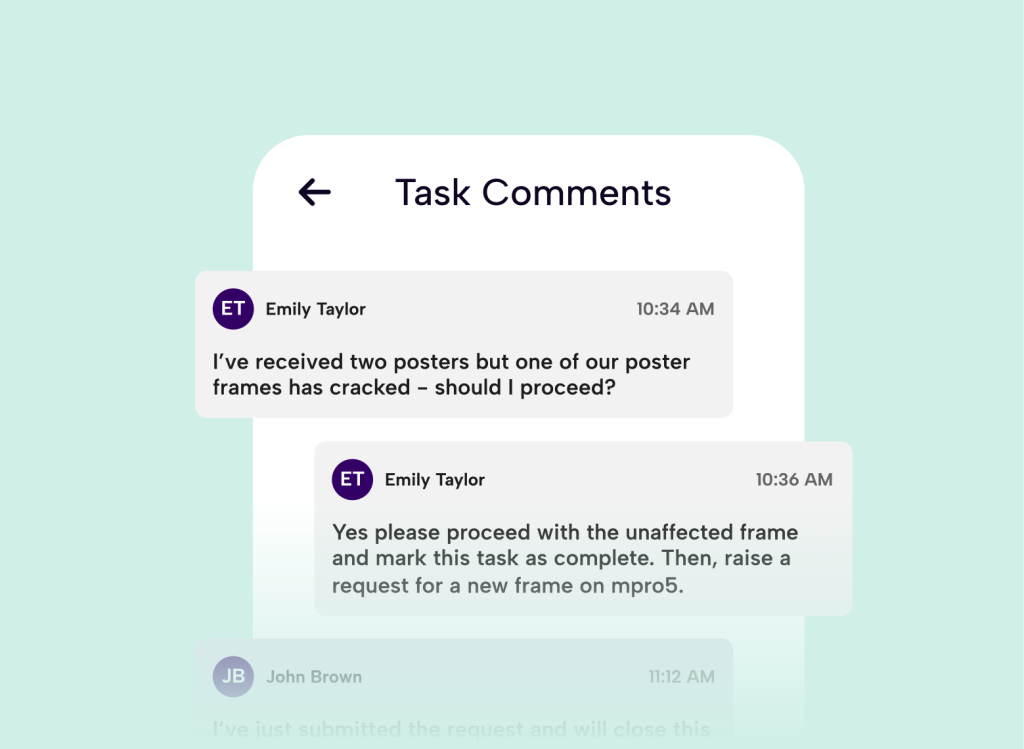
Yes. Every job has its own comment thread, so everyone working on it sees the same conversation. There’s no retelling the same story, and nothing gets lost in an inbox or forgotten after a phone call.
Are messages kept for audits?
Yes. Messages are stored securely and stay tied to the job they relate to, so you have a full audit trail ready for an inspection, a client or a handover.
What are posts?
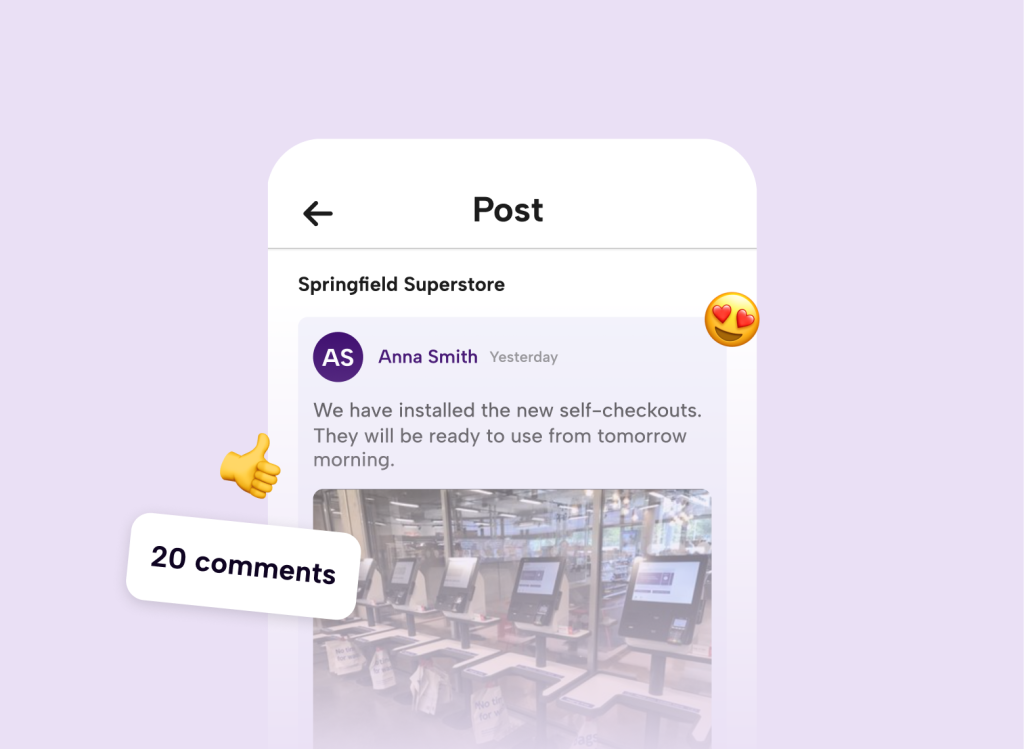
Posts are forum-style discussions that aren’t tied to a specific job. Use them for announcements, to give teams a place to ask questions, and to keep a record of what’s been shared for others to learn from.