

Automations and Alerting
Powerful automations and alerts that keep operations moving


“We moved from scheduled cleaning to cleaning based on real usage, which completely changed efficiency.”
– Cisco Meraki Workplace Technology Lead
FAQs
Automations and Alerting FAQs
Answers to the questions teams ask us most about follow-ups, alerts and escalations. If yours isn’t here, ask us on a demo.
Book a demoOr call us on 01892 542 444
What is workflow automation software?
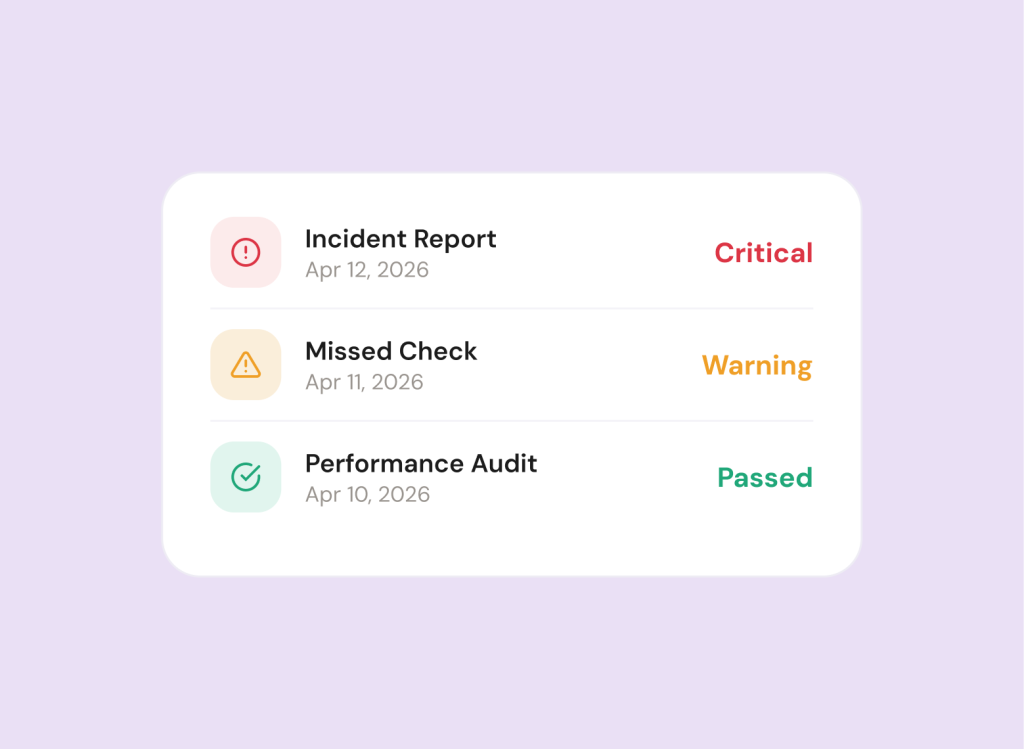
Workflow automation software takes care of the next step for you. In mpro5, when a check fails or an issue is reported, follow-up tasks are raised, the right people are alerted and the issue is escalated if it isn’t dealt with, so nothing relies on someone remembering.
What can trigger a follow-up task?
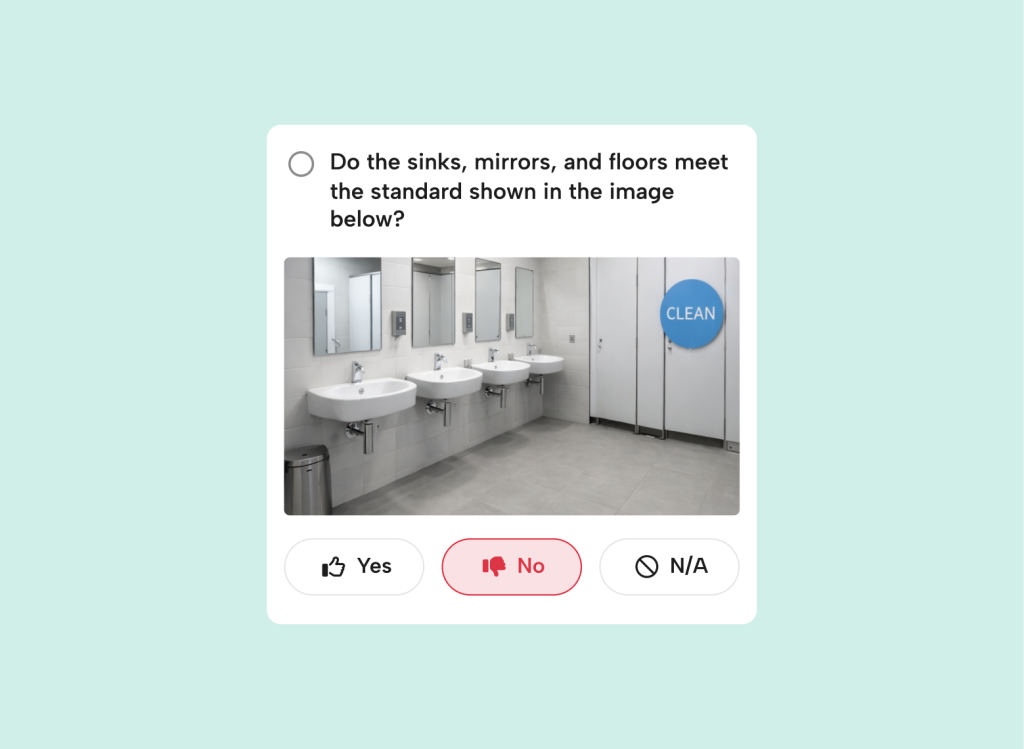
You decide. A failed check, an audit recommendation, a reported issue or a reading from a connected sensor can each raise follow-up tasks, assigned to a person or a whole team with a due date.
Can mpro5 connect to sensors and IoT devices?
Yes. Connect your sensors so that a door left open or a temperature outside its acceptable range raises a remedial task straight away.
How are issues escalated?
By email or push notification, to the right people at the right time. You choose how each type of issue is escalated, and follow-up tasks can carry due dates and photos.
Can one alert start several actions?
Yes. A single failed check or temperature breach can set off a full corrective sequence, such as notifying a contractor or updating a client, with every person who needs to act included.
Can I see which actions are still open?
Yes. Dashboards show open and closed actions in real time, so you always have a full view of the work being done.
Can we change our flows ourselves?
Yes. Your dedicated support team builds your first flows around how your teams already work, then shows your team how to make their own changes.