

Facilities Management has too many tabs open
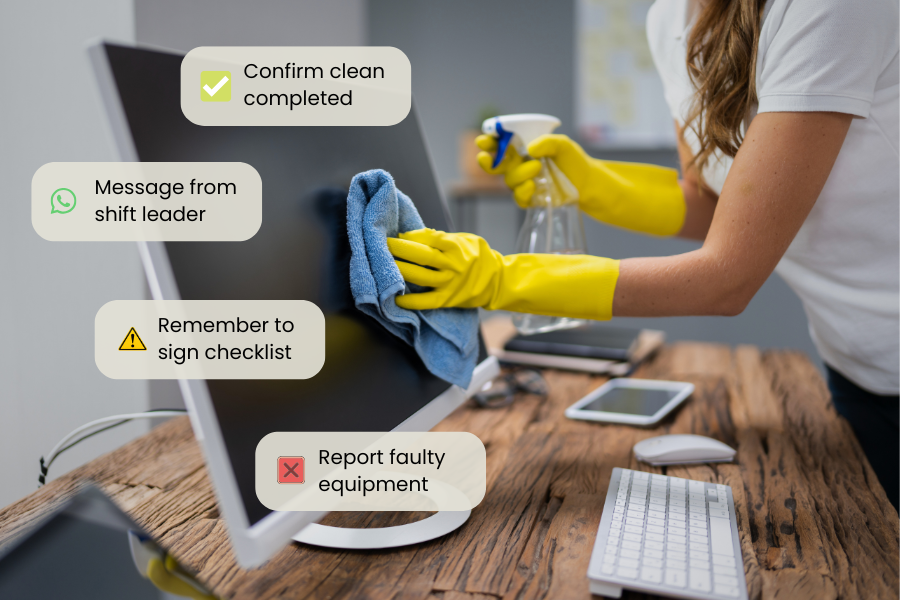
Facilities Management teams are typically using up to 7 different systems every day – often logging into multiple systems before they’ve completed a single task.
While the move in recent years from over-reliance on paper forms and checklists to digitized systems has been welcome, this has also come with its own set of challenges. Multiple systems have now replaced what were once manual processes, introducing new risks to productivity, compliance and accuracy – as well as affecting the bottom line.
The typical tech stack – what are FM teams relying on?
CMMS / Work order management Often the backbone of day-to-day FM operations. CMMS systems are used to log, assign and track every reactive callout and planned maintenance job, often the first system an FM team adopts and the one everything else ends up leaning on.
CAFM / Space Management
Manages the physical estate itself, from floor plans and room bookings to space utilisation data – essential for larger or multi-site organisations trying to make the most of every square metre.
Compliance & Audit Tools
Where teams record health & safety checks, fire safety inspections or any regulatory sign-offs. Quite often, this is a patchwork of paper forms, shared drives and standalone apps.
Asset Management
Tracks the full lifecycle of every piece of equipment on site including service histories, so teams know what they’ve got, where it is and when they need to replace it.
Workforce / Scheduling Tools
Handles the people side of FM, from shift patterns to time and attendance or contractor management. Often handled by a separate system or a spreadsheet.
IoT / Building Management Systems
The eyes and ears of the building, pulling in data from sensors, HVAC systems, cameras and energy meters. These help teams to flag any issues, maintain comfortable temperature and service levels and keep running costs in check.
Reporting tools (or spreadsheets)
The glue that holds everything else together, for better or worse – usually Excel. Teams use manual exports from every other system in an attempt to give leadership a coherent picture of what’s actually going on.
The real cost of fragmented systems
While every system was implemented to address a real need, teams often find themselves in a position where systems don’t communicate with each other. Reporting becomes an exercise in managing downloads from multiple systems, with lots of manual data entry and room for error.
For head office, there’s no single source of truth. The system switching and login fatigue that comes with multiple platforms reduces the chances of busy people actually doing it. Either that data collation becomes someone’s job, or leaders rely on verbal reports that everything’s going to plan.
While multiple platforms are great at collecting their own data and holding that securely, this can also cause big compliance blind spots when audit trails are fragmented across systems. For example, if a shift leader sends a notice out to site workers over WhatsApp, there’s no data capture showing that message was received and understood.
The hidden cost of all this is hours of low-value, repetitive work across your sites with hours spent on system management and frontline teams bearing the burden of clunky work-arounds.
Why FM teams end up here
When new systems are added reactively as businesses become more complex, by solving one problem teams are unwittingly causing another.
Combined with legacy systems that are costly to replace, and the fact the procurement often happens in silos, managed by people removed from frontline teams, it’s no surprise that processes become unwieldy over time and adoption rates suffer.
What one connected platform actually looks like
Fewer systems doesn’t automatically mean less chaos, but done right, it genuinely transforms how an FM team operates day to day.
Think about what it looks like when everything lives in one place. A job comes in, whether it’s a helpdesk call, a sensor alert or a scheduled inspection, and it’s assigned, tracked and closed without anyone having to touch a second system.
Engineers turn up on site already knowing the asset history. Compliance records update as work gets done, not as a separate admin exercise at the end of the week. And managers can see what’s actually happening across their sites in real-time, from beautifully structured, visually rich dashboards.
Plus, it’s simpler for the people doing the work. One app, one login, everything they need – whether they’re on a site they know inside out or one they’ve never visited before – even if they’re on a mobile device with an unreliable connection.
Not only does it mean fewer tabs open, but it’s a way of working where information gets to the right people at the right time, without anyone having to chase it down.
How mpro5 brings all your frontline operations together
Mpro5 is designed to work across the stack – replacing the systems that are causing friction and connecting the ones that aren’t going anywhere.
Fragmented work order tools get replaced by configurable job management workflows built around how your team actually operates. Keeping everything in one place, with a full history attached.
Paper checklists and spreadsheet compliance logs become digital audits that happen as part of the normal working day. From capturing photo evidence, to signing off tasks. The audit trail builds itself so you’re always audit-ready.
Siloed asset records are replaced with connected data that links directly to maintenance schedules and job history, so your team always knows what they’re working with.
Manual scheduling and attendance tracking get upgraded to live workforce management, with NFC tags and QR codes giving real proof of presence, so you’re not relying on people remembering to log in or call in. Plus, if conditions on the ground change on the day, you can flex your schedules to fit.
Your existing infrastructure – ERP systems, IoT sensors, BMS platforms, don’t need to be ripped out and replaced. mpro5 integrates with what’s already there, pulling data into one view rather than creating yet another silo.
The management dashboard is built in. Real-time performance data, across every site, without needing a separate reporting tool or a Friday afternoon spent in Excel.
Here’s the best bit: mpro5 is fully configurable. We build your platform to your exact set of requirements with no additional implementation fees.
It’s built around your workflows, not the other way around, so it doesn’t arrive with a rigid process that your team has to adapt to. If your operation is complex or has non-standard ways of working – no problem.
To see how mpro5 could transform your Facilities Management operations, just book a demo with one of our operations experts.